
Wholesale growth should not create admin chaos.
If you sell B2B on Shopify, the hard part is not getting registrations. The hard part is running approvals, tax checks, payment terms, and invoicing without manual mistakes. If you want a ready-made workflow for this, see B2B & Wholesale portal on the Shopify App Store.
This guide shows merchants how to build a reliable B2B operating system with one settings flow: approval workflow, VAT validation, order enrichment, net terms, discount automation, customer documents, and multilingual communication.
If you want help setting this up for your store, contact our team.
This version is focused on EU B2B commerce: VIES VAT checks, reverse charge logic, country-based approval policies, and multilingual buyer communication.
A Shopify B2B portal is the layer between your storefront and your back office. It helps you decide who gets wholesale access, which tax rules apply, and how B2B orders are handled after checkout.
Without a portal, most merchants patch this together with manual review, email templates, and spreadsheets. That works for a few accounts, but it breaks when order volume grows.
The fix is a single B2B flow from registration to invoicing.
Start with clear approval modes:
This gives your team speed without losing control.
A VAT number can change status after the first approval. Merchants need periodic re-validation, not a one-time check.
For deeper VAT setup patterns, see: More Control for VAT-Exempt Orders at Shopify Checkout and New Widget Visibility Controls for Tax Exemption Modes.
Also useful for EU teams: VAT Reverse Charge Shopify, How to Auto-Approve B2B Customers on Shopify Based on VAT Validation, and VIES EU Member States Status Checker.
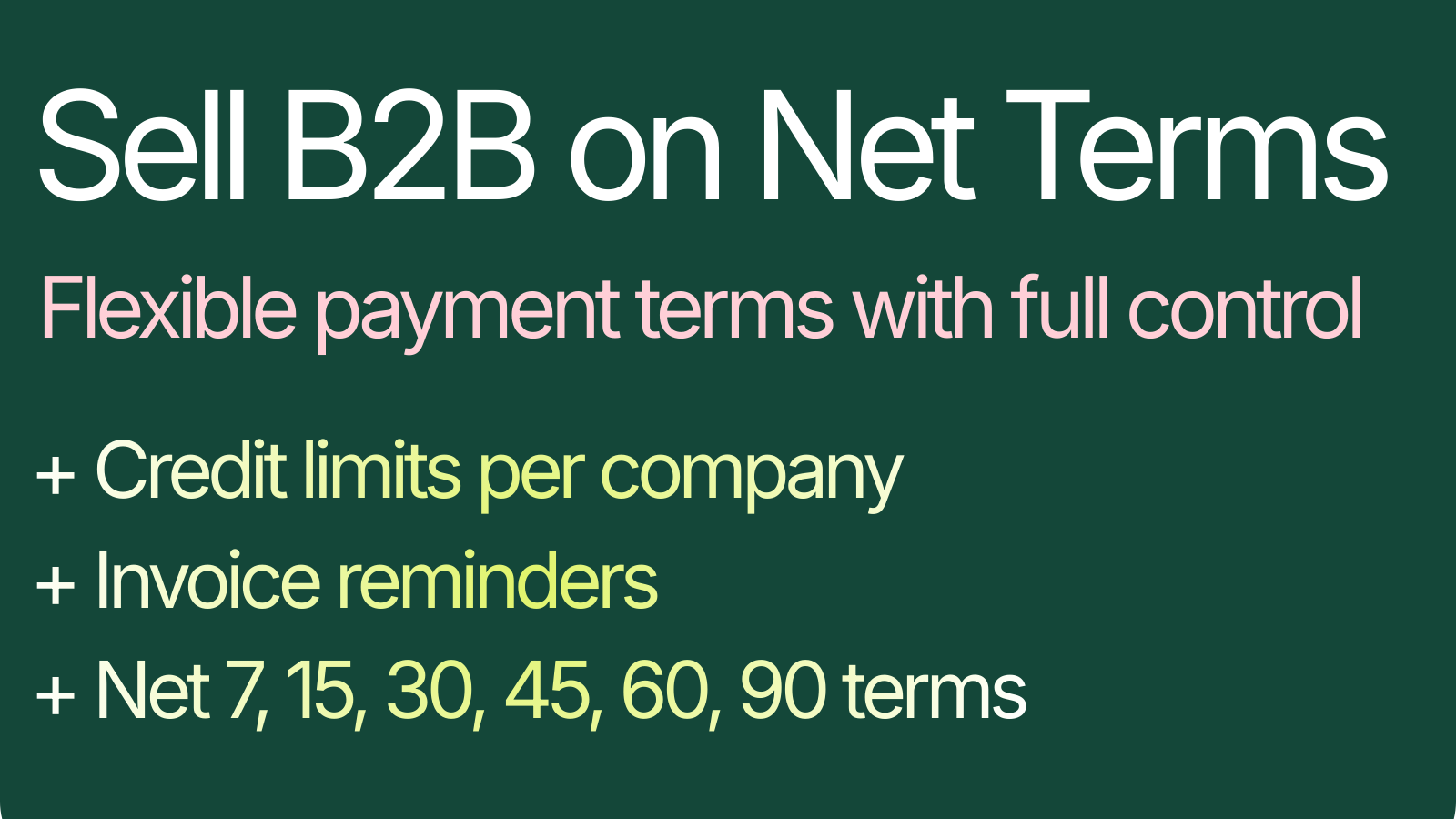
Most wholesale buyers ask for payment terms. Most merchants worry about credit risk. You need both flexibility and guardrails.
If your current process depends on inbox follow-up, this section alone can save hours every week.
B2B orders should carry the data your finance team needs without manual edits.
Related reading: VAT Number Automatically Available for Invoicing Software.
Some merchants want lead generation before pricing exposure. Catalog mode supports that by hiding price elements for guest visitors on product, collection, and homepage surfaces.
This is useful when your wholesale pricing is account-based and should only be visible after approval.
When a company is approved, you can automatically generate a unique code and control:
This creates a clean onboarding incentive without manual code handling.
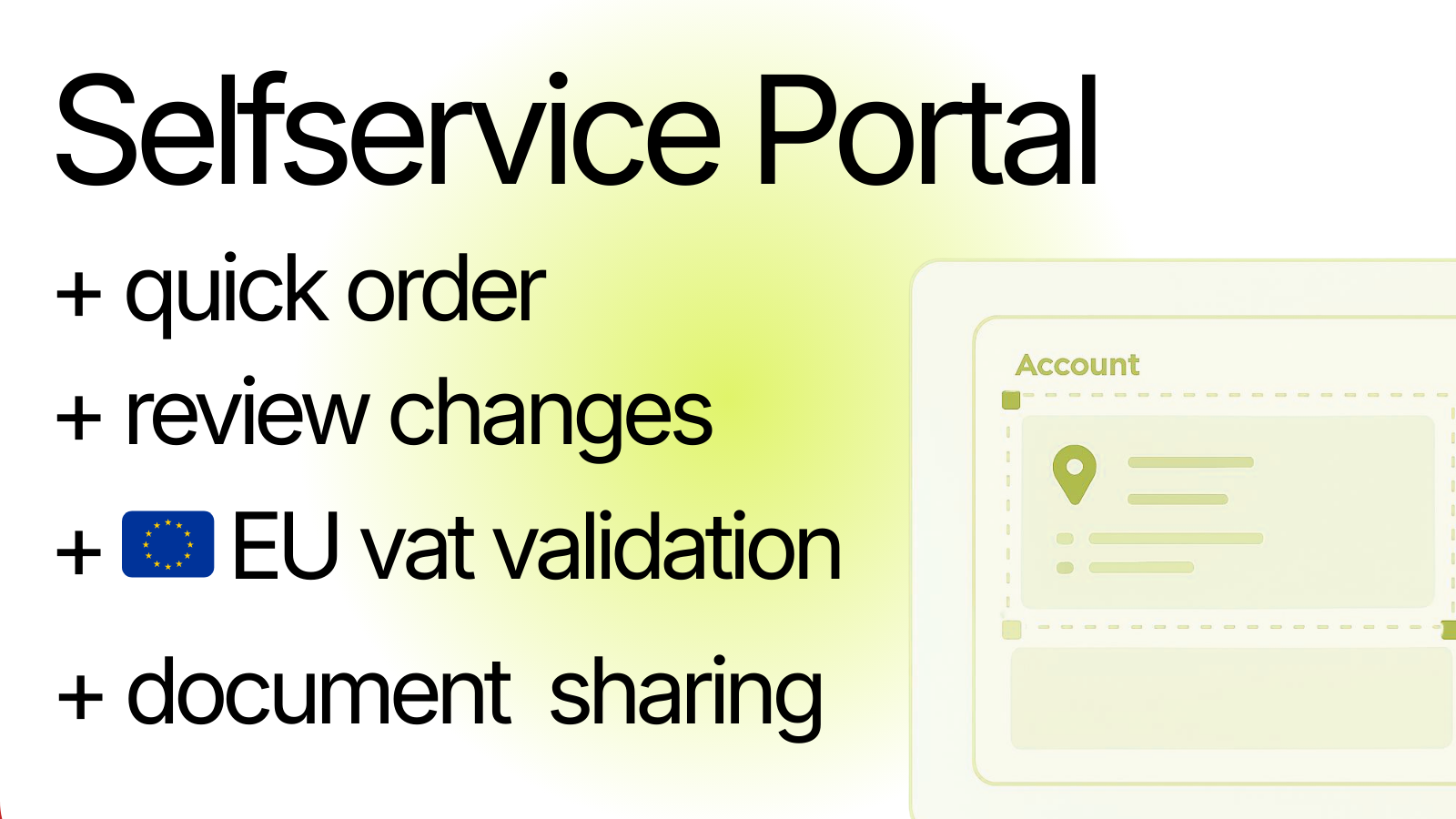
B2B customers often need current price lists, terms, and brochures. Instead of sending attachments over email, publish active documents in customer account.
Detailed walkthrough: How to Share Price Lists and Brochures with B2B Customers on Shopify.
Let companies update profile details from their account while you choose governance:
That lowers support tickets and keeps data quality high.
Good B2B operations rely on timely communication.
You can also connect event flows into automation tools when needed.
If you sell across multiple regions, local language messaging is not optional. Keep approval messages, form labels, and net terms success messages localized for active storefront languages.
For EU merchants this usually means at least EN, DE, NL, FR, IT, and regional variants based on your primary markets.
For broader localization strategy, see: The Shopify Localization Gap and How to Show Different Product Images Per Country in Shopify.
The strongest Shopify B2B stores do not rely on manual heroics. They use clear rules for approvals, tax, credit, and order data so the whole team can scale with less risk.
If you want to build this workflow for your store, talk to us. We can help design and implement a merchant-friendly B2B setup from first registration to final invoice.
Also relevant: EU Tax Exemption App Now Works with UpCart Cart Drawer and Shopify Bundles + Cart Transform: Hidden Limitation for B2B Stores.