
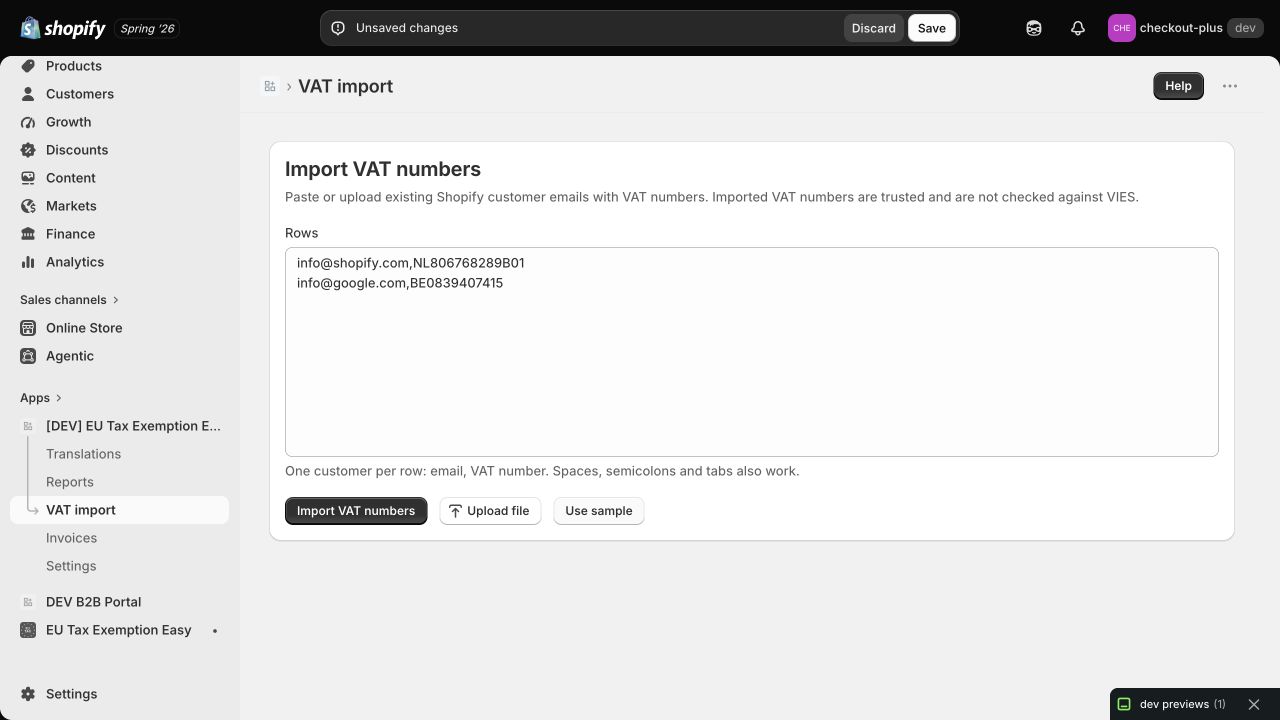
Import trusted VAT numbers for existing Shopify customers in bulk, apply the right tax exemption, and keep live VIES validation for new B2B buyers today.
Moving B2B customer data into Shopify used to mean updating every customer by hand. That is no longer necessary. EU Tax Exemption Easy can now import trusted VAT numbers for existing Shopify customers in bulk.
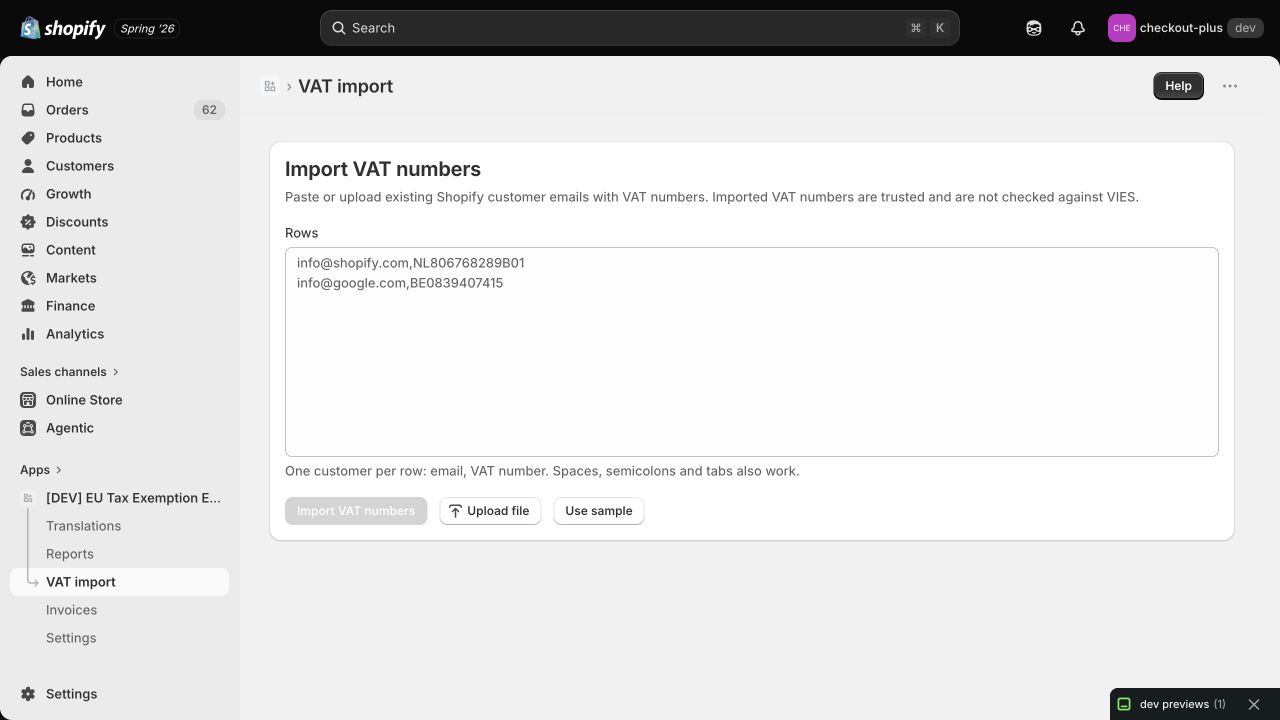
Paste a list or upload a CSV or TXT file. The app matches each email address to an existing Shopify customer, applies your configured tax exemption, stores the VAT details and shows exactly which rows were imported or skipped.
Important: this import is for VAT numbers you already trust, for example data exported from your ERP, accounting system or previous VAT app. Imported numbers are not checked against VIES during the import.
A store can already have hundreds or thousands of business customers before installing a VAT app. Their VAT numbers may live in an ERP, a spreadsheet or another ecommerce platform. Asking all those customers to validate again creates extra work and support questions.
The bulk importer gives you a controlled migration path. It updates the customers that already exist in Shopify and leaves everything else alone. It does not create duplicate customer records.
email,VAT number.Commas are the clearest separator, but spaces, semicolons and tabs also work. A header row containing email and VAT is ignored automatically.
For every valid row, the app first looks for an exact email match in Shopify. When it finds the customer, it:
tax-exempt customer tag.If your store uses EU reverse charge, the importer applies Shopify’s EU reverse-charge exemption. If your store is configured to use Don’t collect tax, it marks the customer tax exempt instead. Read our guide to Shopify VAT reverse charge if you are deciding which setup fits your store.
The importer does not silently create or change the wrong customer. Every row receives a clear result:
| Result | What it means |
|---|---|
| Imported | An existing Shopify customer was found and updated. |
| Refreshed | The customer was already tax exempt and the VAT details were updated. |
| Skipped | No existing customer was found, or the VAT country is blocked by your store policy. |
| Invalid | The row does not contain a usable email address and VAT number. |
| Duplicate | The same email address appears more than once in the import. |
| Failed | Shopify returned an error while updating the customer. |
Domestic VAT numbers are also skipped when the VAT country matches your shop country. The import will not apply a cross-border tax exemption to a domestic customer. Countries disabled in your VAT exemption settings are skipped as well.
Use the importer when another trusted system has already verified the customer data. It is built for migrations and bulk updates, so it deliberately avoids sending every imported number to VIES again.
For new buyers entering a VAT number on your storefront, keep using automatic VAT validation in Shopify. That flow checks the number live and gives the buyer immediate feedback. The European Commission explains why VAT numbers identify a customer’s tax status and provides the official VIES validation link.
Returning buyers can then reuse their stored exemption. Our article about documenting repeat B2B orders for tax-exempt Shopify customers explains how that evidence follows later orders.
The VAT importer is available in the Shopify admin under VAT import. It is especially useful when you are moving from spreadsheets, an ERP or another VAT app and want to keep your existing B2B customers ready for their next order.
Install EU Tax Exemption Easy from the Shopify App Store, or contact Newcraft if you want help preparing your import file.