The International Seller’s Challenge: Why Text Translation Isn't Enough
Congratulations! You’ve taken the leap into global commerce. Your Shopify store is expanding, and you’re using powerful tools like Shopify Markets to translate your product descriptions, collections, and checkout into multiple languages. This is crucial for reaching international customers.
But now, a crucial problem emerges that standard translation tools often overlook: the visual gap.
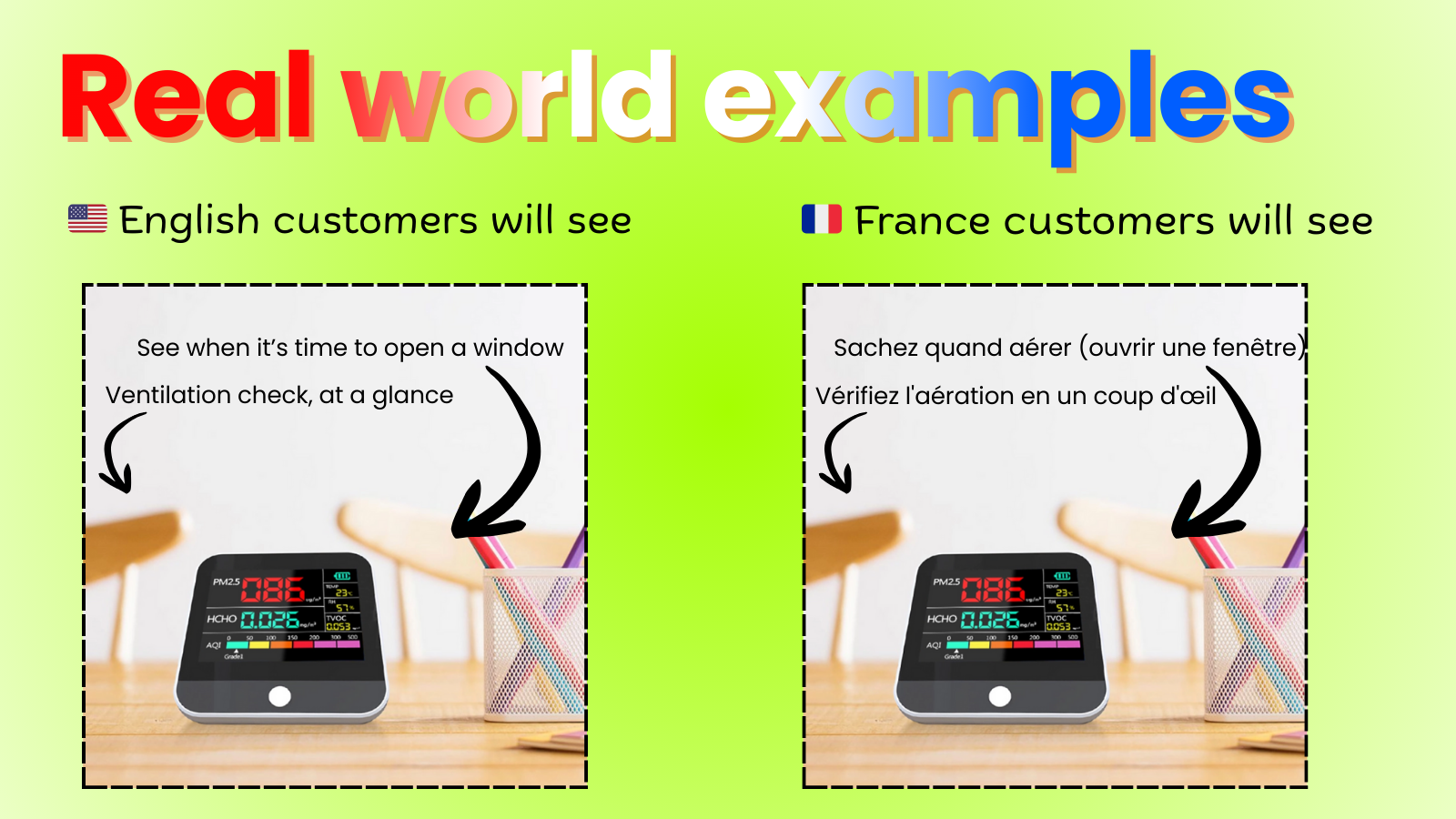
A customer in Italy switches your store to Italian. The price and product text update instantly. Fantastic. However, the main product image—the one with the detailed infographic explaining the benefits, or the size chart with important measurements—is still completely covered in English text.
This is why learning how to translate product images on Shopify is the essential next step in localization. If your visuals don't speak the language, you’re losing sales, confusing customers, and creating friction where you should be building trust.
The Problem: Why "One Image Fits All" Kills Conversions
In e-commerce, product images are often more important than the text. They capture attention and convey complex information quickly.
When you fail to localize your visuals, you face several major conversion killers:
- Confusing Infographics: You use text overlays to list key features, ingredients, or usage instructions. If a French customer can’t read the details, they can’t be confident in the purchase.
- Irrelevant Size Charts: Presenting US-standard sizes (inches) to a European market that uses metric (centimeters) forces the customer to do mental math, increasing the chance they'll abandon the cart.
- Broken Trust: A store that shows professionally translated text but generic, untranslated images looks careless or non-committal to the local market, making your brand seem less professional.
Standard Shopify translation solutions excel at text, but they simply don't have a simple, built-in feature to automatically swap your visual media based on the user’s selected language. This leaves merchants with a complex choice.
The Hard Way (And Why You Should Avoid It)
Before modern apps, merchants had two difficult choices to translate product images on Shopify:
- Duplicate Products: Creating an identical product for every language and hiding it from certain markets. This massively complicates inventory, management, and reporting.
- Complex Code Edits: Hacking theme code (Liquid) to read the translation environment and manually swap image URLs. This is messy, time-consuming, and breaks with every theme update.
The Easy Way: Meet Product Image Translate Easy
The days of complicated workarounds are over. If you want a quick, clean, and scalable solution to truly localize your international store, you need a dedicated tool.
Introducing Product Image Translate Easy—the single best solution for merchants who need to seamlessly translate product images on Shopify.
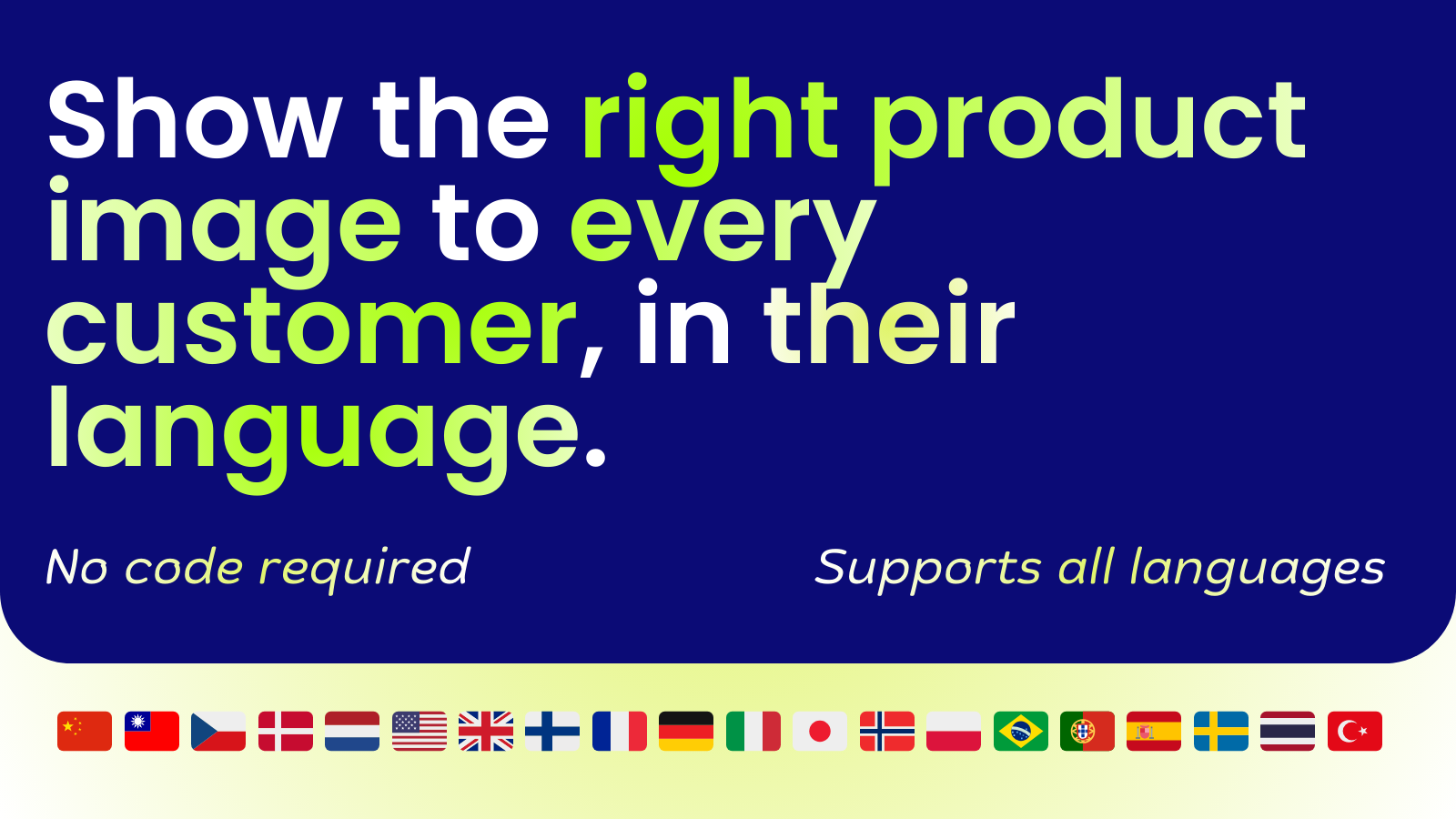
Our app bridges the gap between your translated text and your visual assets. It works by monitoring the language your customer has selected and instantly swapping out the original product images for your localized versions.
How to Translate Product Images on Shopify in 4 Simple Steps
You can have different images live for different countries in a matter of minutes, without touching a single line of code.
Step 1: Install the App
Start by installing Product Image Translate Easy from the Shopify App Store. The initial setup is fast and integrates with your current theme and translation setup.
Get started today: Try the app for free!
Step 2: Upload Your Localized Images
Within the app’s easy-to-use interface, select the product you want to localize. Prepare your translated images (e.g., your size chart converted to metric and translated into Spanish).
Step 3: Map the Images to the Languages
In the app, you will simply tell the system:
- Show this English image when the language code is EN.
- Show this Spanish image when the language code is ES.
- Show this German image when the language code is DE.
Step 4: Publish and Go Live
That's it! The app handles the heavy lifting. When a visitor selects Spanish on your site, they will see your perfectly translated product text and the corresponding, professionally translated product images.
Key Benefits of Using Product Image Translate Easy
Translating your images is not just a nice-to-have; it's a vital component of Conversion Rate Optimization (CRO) for global businesses.
| Benefit | Description |
| Increased Conversions | Customers can read crucial details (like ingredients or sizes) on the image, eliminating friction and boosting confidence to buy. |
| Superior User Experience (UX) | A fully localized experience feels native and professional, significantly reducing bounce rates from international visitors. |
| Clean Inventory | You manage one product listing across all markets, simplifying inventory and reporting, unlike the duplicate product workaround. |
| Future-Proof SEO | High user engagement (low bounce rate, long dwell time) signals to Google that your page is highly relevant to that specific regional search. |
Don't let a language barrier in your product photos be the reason a global customer clicks away. Your text is translated, and now your powerful visuals can be too.
Ready to Fully Localize Your Store?
Stop confusing your international customers with visuals they can’t read. Installing Product Image Translate Easy is the most effective and easy way to translate product images on Shopify and secure more international sales.
👉 Start localizing your images today: Download Product Image Translate Easy Here
Works Everywhere in Your Store
Image Translate Easy doesn't just work on product pages. Your translated images appear across your entire store:
- Product pages – Full gallery support
- Collection pages – All product thumbnails
- Homepage – Featured products, bestsellers, recommendations
- Search results – Product images in search
- Cart – Line item thumbnails
Customers see translated images from the moment they land on your store, not just when they click through to a product. Learn more about homepage and collection page support →