
Verkoop je aan B2B-klanten in Europa? Leer hoe je btw-vrijstelling direct in je Shopify mini cart promoot—geen Shopify Plus vereist. Deze eenvoudige aanpassing helpt zakelijke klanten ontdekken dat ze btw-vrij kunnen winkelen, direct wanneer ze artikelen aan hun winkelwagen toevoegen
In dit artikel leer je hoe je zakelijke klanten op een slimme manier laat zien dat ze BTW-vrijstelling kunnen aanvragen in jouw webshop. Dit kan in de mini winkelwagen, ook zonder Shopify Plus.
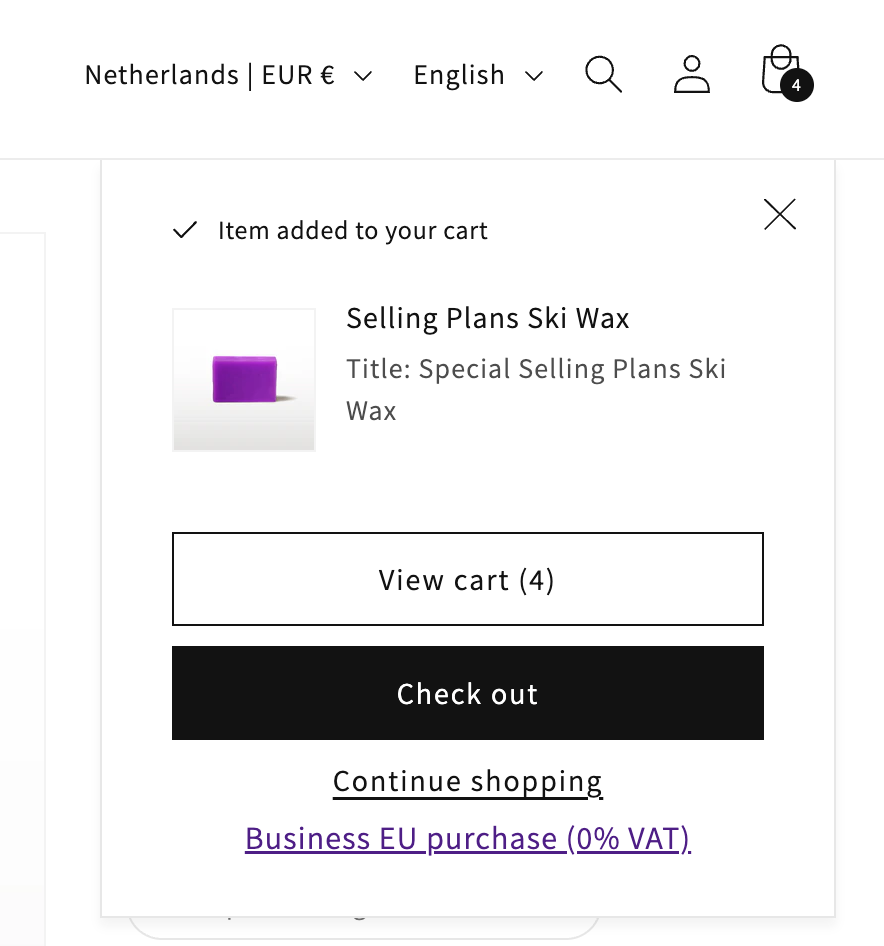
Verkoop je aan zakelijke klanten binnen Europa? Dan kun je deze klanten BTW-vrijstelling geven. Hiervoor moet je tijdens het bestelproces hun BTW-nummer valideren. Zo kun je die klant BTW-vrijstelling geven.
Zonder Shopify Plus heb je beperkte mogelijkheden. Je kunt bijvoorbeeld alleen in de checkout om het BTW-nummer vragen. Daarom moet je creatief zijn.
Goede plekken om BTW-validatie toe te voegen:
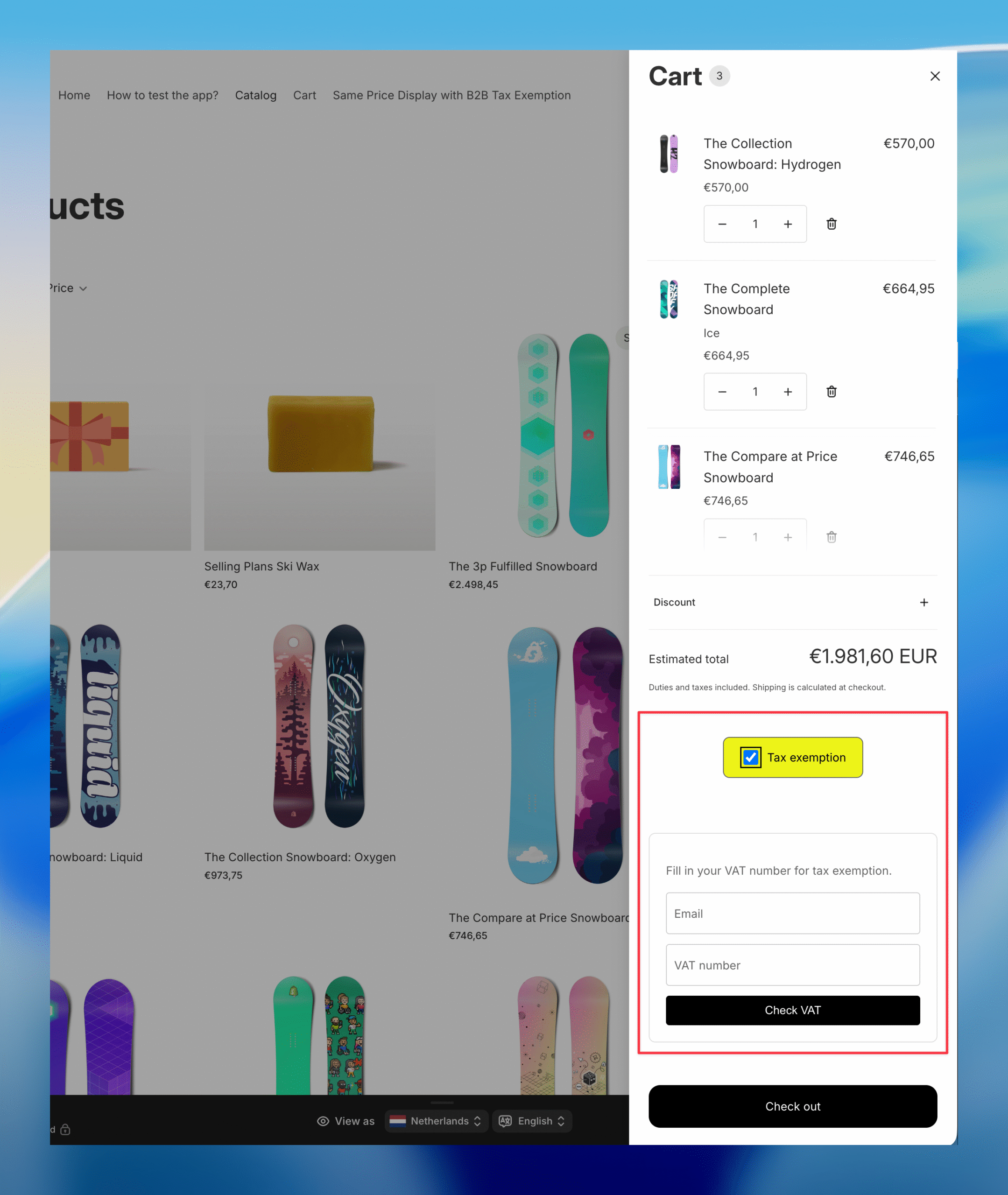
Voorbeeld van de cart drawer:
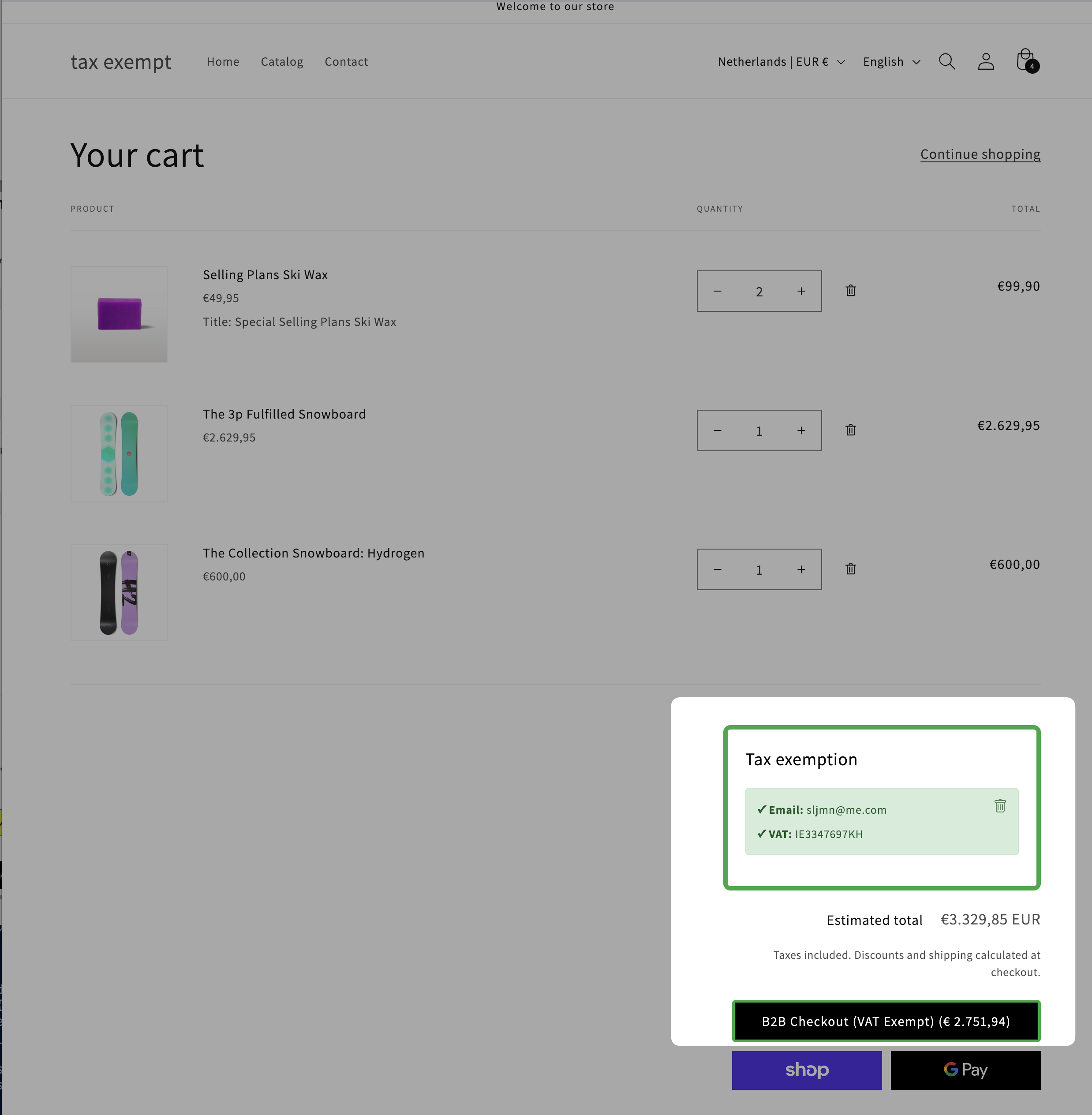
Voorbeeld van de /cart pagina:
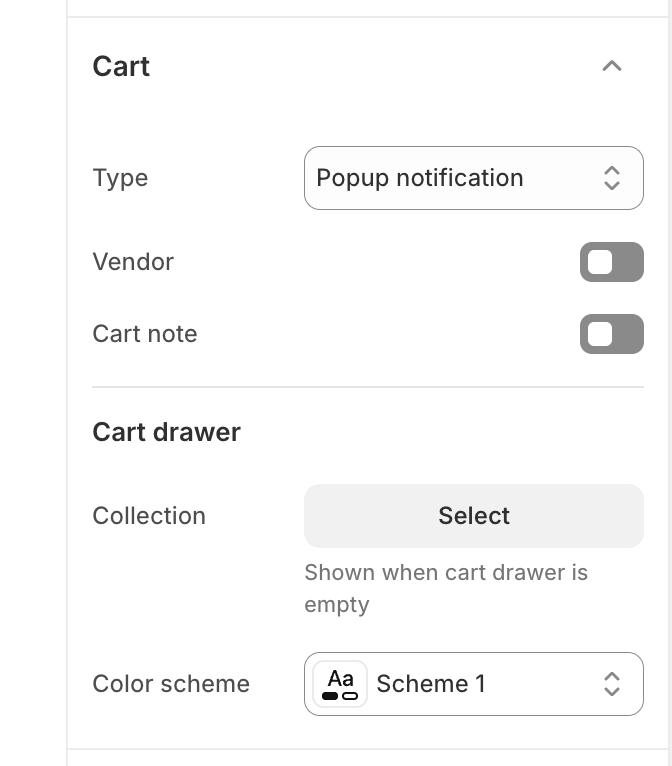
Werkt jouw thema met een mini winkelwagen? En heb je de popup notificatie aan staan in de Shopify theme editor?
Dan gebeurt er iets handigs: wanneer een klant een product toevoegt aan de winkelwagen, toont Shopify kort de mini winkelwagen. Dit is het perfecte moment om je zakelijke klant te informeren over BTW-vrijstelling.
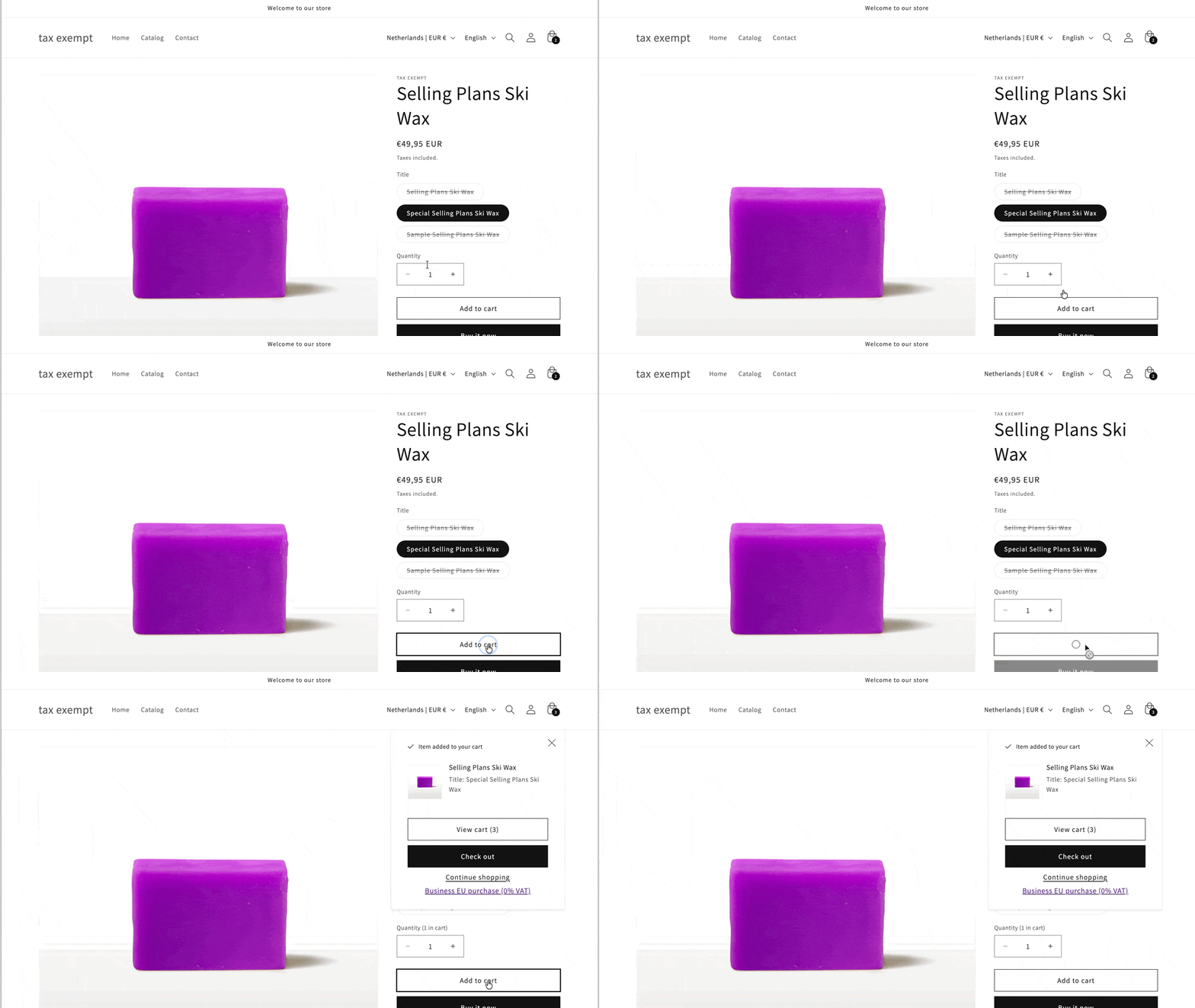
De klant heeft nu drie keuzes:
Dit is een effectieve manier om klanten te laten weten dat je BTW-vrijstelling aanbiedt.
Je moet het bestand cart-notification.liquid aanpassen.
Voorbeeldcode:
{% comment %}
  Renders cart notification

  Accepts:
  - color_scheme: {String} sets the color scheme of the notification (optional)
  - desktop_menu_type: {String} passes the desktop menu type which allows us to use the right css class (optional)

  Usage:
  {% render 'cart-notification' %}
{% endcomment %}

<cart-notification>
  <div class="cart-notification-wrapper{% if desktop_menu_type != 'drawer' %} page-width{% endif %}">
    <div
      id="cart-notification"
      class="cart-notification focus-inset{% if color_scheme %} color-{{ color_scheme }} gradient{% endif %}"
      aria-modal="true"
      aria-label="{{ 'general.cart.item_added' | t }}"
      role="dialog"
      tabindex="-1"
    >
      <div class="cart-notification__header">
        <h2 class="cart-notification__heading caption-large text-body">
          {{- 'icon-checkmark.svg' | inline_asset_content -}}
          {{ 'general.cart.item_added' | t }}
        </h2>

        <button
          type="button"
          class="cart-notification__close modal__close-button link link--text focus-inset"
          aria-label="{{ 'accessibility.close' | t }}"
        >
          <span class="svg-wrapper">
            {{- 'icon-close.svg' | inline_asset_content -}}
          </span>
        </button>
      </div>
      <div id="cart-notification-product" class="cart-notification-product"></div>
      <div class="cart-notification__links">
        <a
          href="{{ routes.cart_url }}"
          id="cart-notification-button"
          class="button button--secondary button--full-width"
        >
          {{- 'general.cart.view_empty_cart' | t -}}
        </a>
        <form action="{{ routes.cart_url }}" method="post" id="cart-notification-form">
          <button class="button button--primary button--full-width" name="checkout">
            {{ 'sections.cart.checkout' | t }}
          </button>
        </form>
        <button type="button" class="link button-label">{{ 'general.continue_shopping' | t }}</button>
        <br>
        {% comment %}
          Hier voeg je de link toe naar de /cart pagina
        {% endcomment %}
        <a href="{{ routes.cart_url }}">Zakelijke aankoop EU (0% BTW)</a>
      </div>
    </div>
  </div>
</cart-notification>
{% style %}
  .cart-notification {
    display: none;
  }
{% endstyle %}
Let op: De belangrijkste toevoeging is de link onderaan:
<a href="{{ routes.cart_url }}">Zakelijke aankoop EU (0% BTW)</a>Deze link verwijst naar je winkelwagen pagina waar klanten hun BTW-nummer kunnen invoeren.