

Import books to Shopify by ISBN with automatic metadata lookup, cover images, and bulk CSV processing.
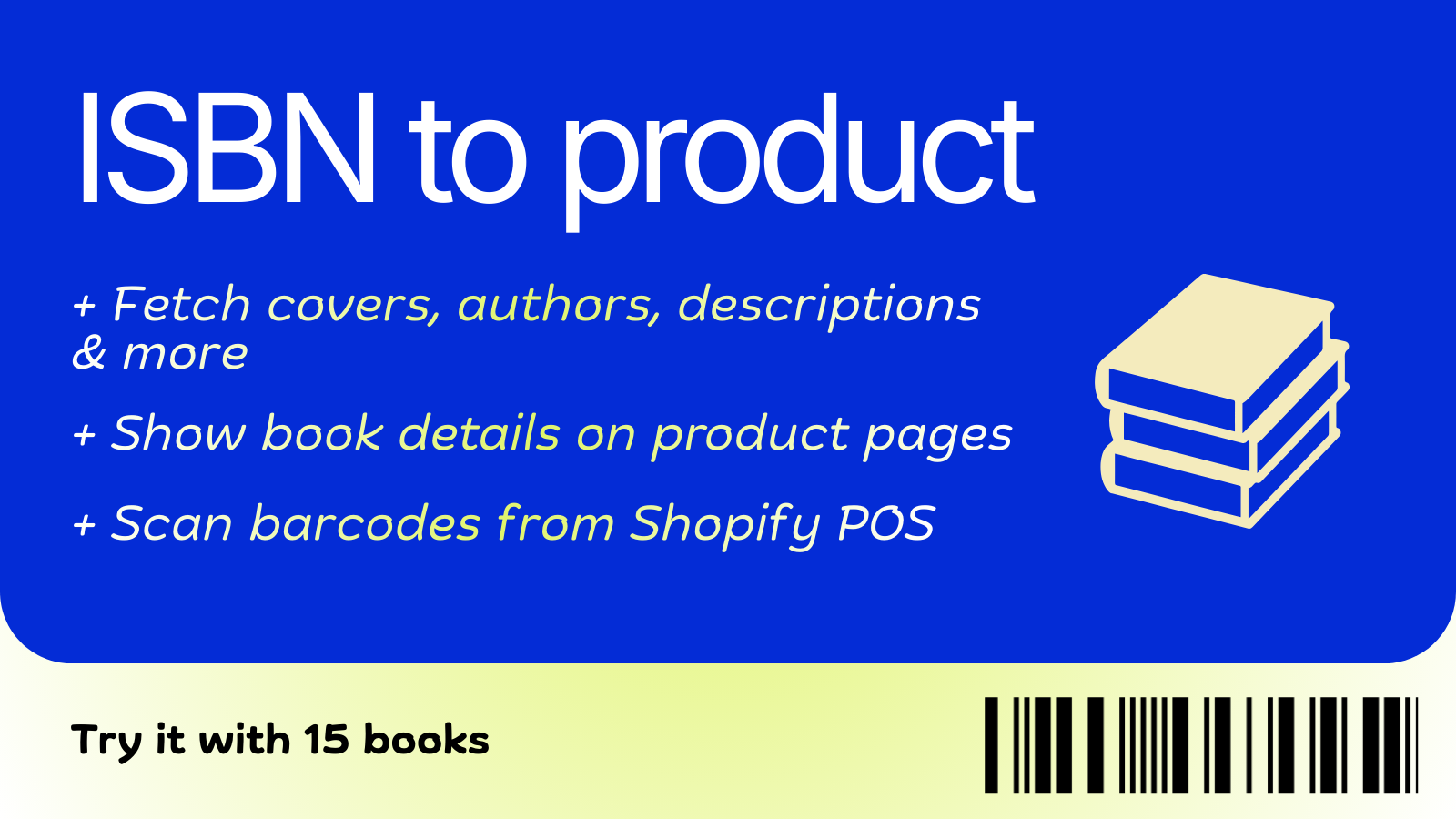
TL;DR: Book Importer lets you import books to Shopify by ISBN. It fetches complete product data from multiple book databases: titles, authors, descriptions, and cover images. Then it creates draft products ready to publish.
You have 200 books to list. Each one needs a title, author, description, cover image, ISBN, page count, publisher. You’re copying and pasting from Amazon. Squinting at book spines. Downloading images one by one.
It takes 5-10 minutes per book. That’s 16-33 hours of tedious work before you can sell a single copy. Here’s how to skip the manual typing entirely.
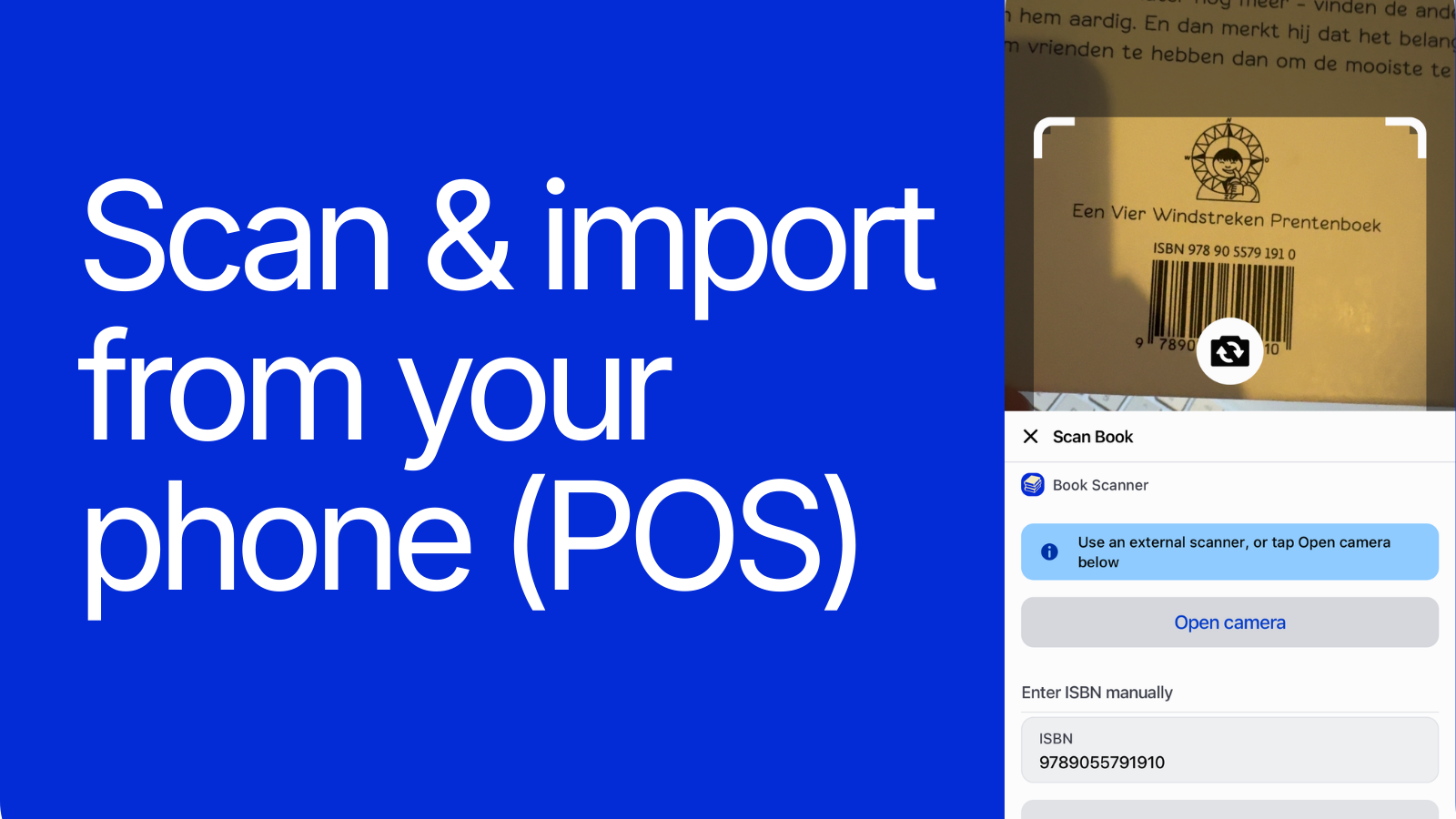
Book Importer does it in 15 seconds per book. Enter the ISBN, review the auto-filled data, click create. Done.
The app connects to multiple book databases to find the best available data for your ISBN. It searches several sources and merges the results into one complete product listing.
You get:
The app shows you a preview form with all the fetched data. You can edit anything before creating the product. Tweak the description, adjust the title, review the cover. Then click “Create draft product” and it’s in your Shopify store.
The product appears in your Shopify admin as a draft with cover image, description, and barcodes included. No incomplete listings with missing covers. The ISBN is stored as both the SKU and barcode, so your inventory system stays clean from day one.
Before creating any product, Book Importer checks if that ISBN already exists in your store. It searches by SKU and barcode.
If it finds a match, it won’t create a duplicate. Instead, it shows you a link to the existing product. Simple as that.
This matters when you’re importing from lists or re-checking inventory. You won’t accidentally create 50 copies of the same title.
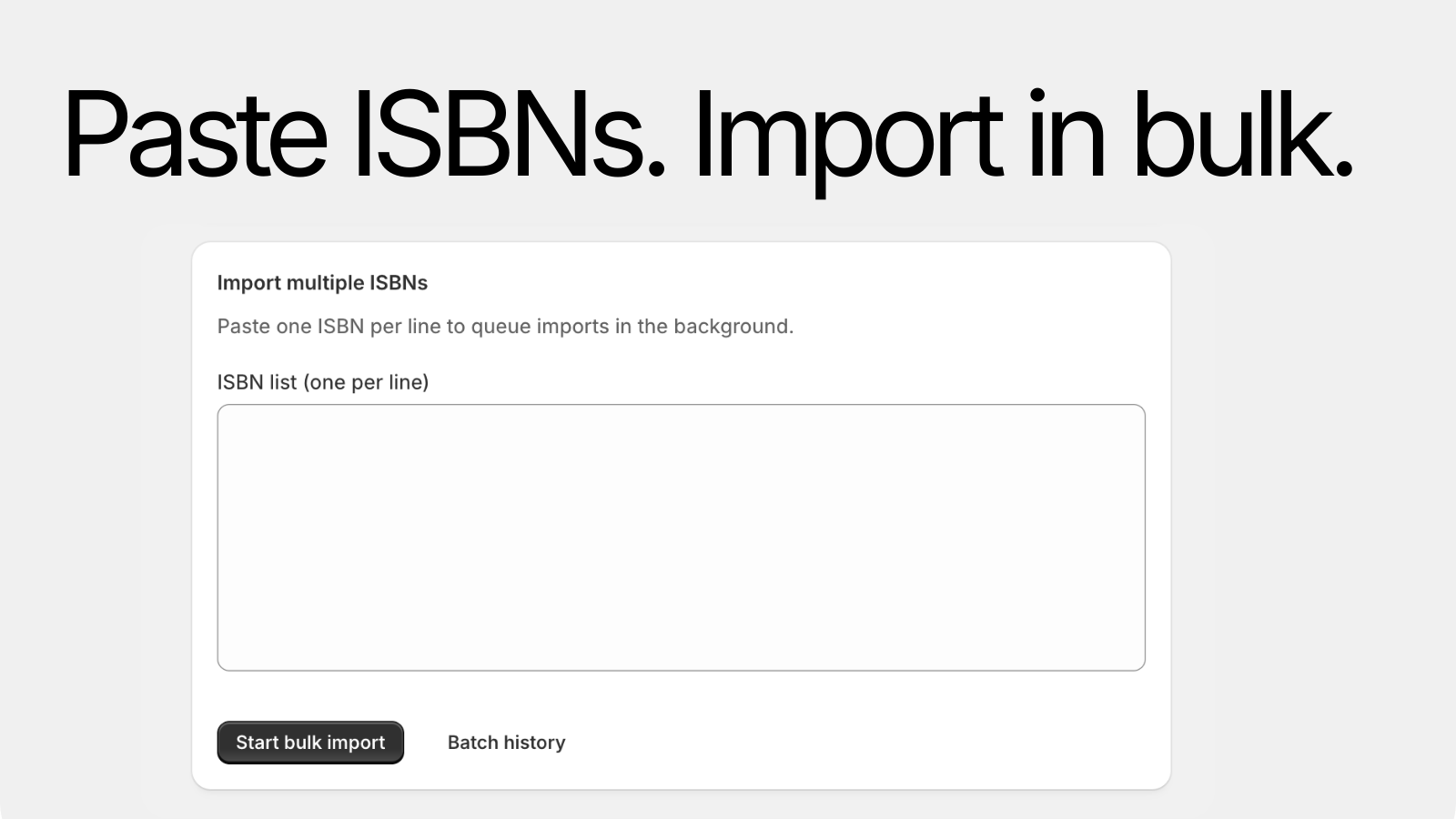
Every ISBN you import is logged with its status: success, failed, or duplicate skipped. You can view the history page to see what you’ve imported, when, and whether it worked.
Failed imports show a clear error message. “Invalid ISBN checksum”, “No metadata found”, “Connection issue”. No guessing required.
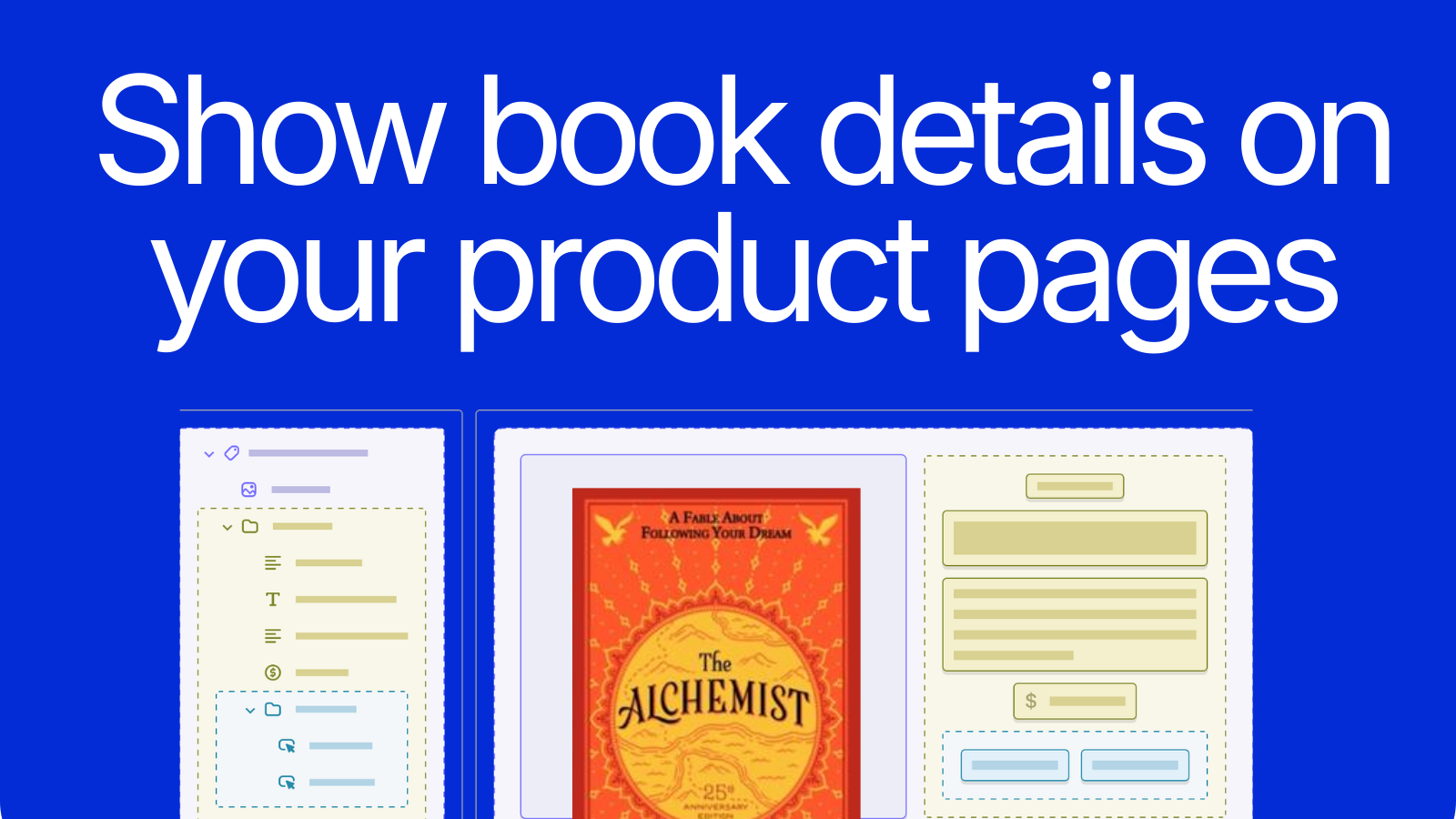
Importing the data is step one. Showing it to customers is step two. The app includes a theme block that displays book details directly on your product pages: authors, ISBN, publisher, page count, language, binding, and more.
You configure it from the Shopify theme editor. Choose which fields to show, pick a layout (list, table, or rows), customize colors and spacing, and adjust labels in English and Dutch. No code required. Works with any Online Store 2.0 theme.
For the complete picture of what data an ISBN lookup returns and how it maps to Shopify, see our field-by-field breakdown. And for a full walkthrough of the entire import process, start with the ISBN import guide.
You’re selling books on Shopify. Maybe you run an independent bookstore, a used book shop, or a niche publisher. You don’t want to spend hours typing product data that already exists in book databases.
Book Importer is built for:
If you have the ISBN, you can create the product. That’s the promise.
Book Importer is currently in development. Want early access? Reach out and we’ll get you set up.
Stop copying and pasting. Start selling.